




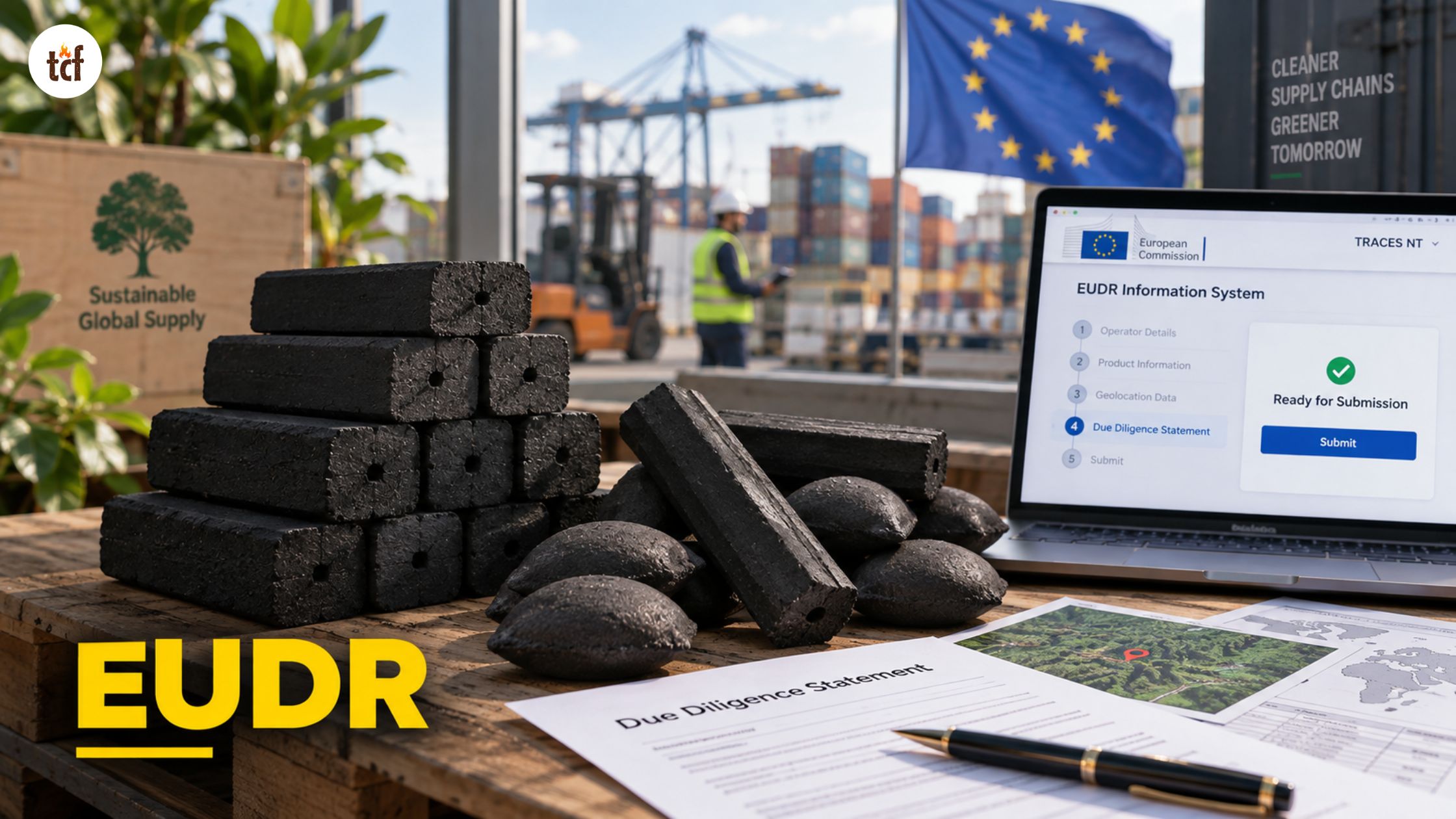
You submit an EUDR Due Diligence Statement (DDS) by logging into TRACES NT, creating or selecting your operator profile, filling in product and geolocation data, completing a risk assessment, and submitting the form to receive a DDS reference number. That reference number is what customs checks before your shipment can enter or leave the EU market.
Below is the full process, plus what trips people up and what the current deadlines actually are.
Table of Contents
What is a Due Diligence Statement under EUDR?
A Due Diligence Statement is a mandatory declaration confirming that a regulated commodity (wood, cocoa, coffee, palm oil, soy, rubber, cattle, or a product derived from them) is deforestation-free, legally produced, and backed by a documented risk assessment.
Without a valid DDS reference number, the product cannot legally be placed on or exported from the EU market. Wood charcoal and other wood-based products fall inside this scope, so any business supplying wood charcoal into the EU needs a valid DDS tied to each shipment.

What is TRACES NT?
TRACES NT (Trade Control and Expert System – New Technology) is the European Commission’s digital platform for submitting and managing DDS records. It’s an existing system originally built for plant and animal health, now extended to cover EUDR compliance.
TRACES NT does not run its own risk assessment or verify your data. It stores and processes what you submit. The accuracy of the DDS is entirely on the operator or trader submitting it.
Who needs to submit a DDS through TRACES NT?
- Operators: companies placing regulated products on the EU market for the first time, or exporting them from the EU. Operators submit the full DDS.
- Traders (non-SME): businesses further down the supply chain that sell products already placed on the market. Non-SME traders must submit their own DDS.
- Downstream operators and SME traders: under the current rules, this group generally doesn’t submit a new DDS. Instead, they register in the system and reference the DDS number already issued upstream.
If you’re unsure which category applies, check your role for each specific transaction. A single company can be an operator for one product line and a trader for another.
What you need before you start
Gather these before opening TRACES NT, since going back and forth mid-submission is where most delays happen:
- EORI number (Economic Operators Registration and Identification), required for any operator or trader involved in import or export activity
- HS/CN commodity code for each product, matched precisely; incorrect codes are one of the most common rejection reasons
- Product description and net mass, matching your commercial invoice and transport documents
- Geolocation data for every plot of production, either as GPS coordinates (points) or polygon boundaries, in GeoJSON format
- Country of production for each commodity
- Risk assessment outcome and supporting evidence: certifications (FSC, PEFC, RSPO), supplier legality documents, or land-use records.
Also read – Charcoal Exporters Compared
How to submit a DDS through TRACES NT: step-by-step
Step 1: Create an EU Login account
If you don’t already have one, TRACES NT access starts with an EU Login account. This is separate from the TRACES account itself and is a one-time setup.
Step 2: Create an account in the EUDR platform
Once your EU Login is active, register your account inside the EUDR section of TRACES NT. Select “EUDR” under Chapter or Activity, then choose the relevant Section.
Step 3: Request your role
Choose whether you’re registering as an Operator, Trader, or Representative. This determines what actions your account can perform later, so pick the role that matches the transaction, not just your general business type.
Step 4: Register or select your operator profile
Search for your company by country and name. If it’s already registered, request authorization to act on its behalf. If not, create a new operator profile and fill in every field marked with a red asterisk. Add your EORI number in the “Operator Identifiers” box if you import or export.
Step 5: Wait for authorization, then log back in
After submitting your registration request, log out and log back in. Your role should now be active. If it isn’t showing, check your profile page; this is where pending and approved roles are listed.
Step 6: Create a new DDS
From the EUDR homepage, click “Create.” You’ll be prompted for an internal reference number; if you skip it, the system assigns one automatically once you save.
Step 7: Fill in the DDS sections
The form is broken into sections, each building on the last:
- Operator information: legal name, address, EORI, role declaration
- Commodity and product details: HS code, product description, net mass, scientific name where relevant (this matters for distinguishing, say, sawn wood from wood charcoal)
- Country and production place: where the commodity was grown, harvested, or produced
- Geolocation: upload a prepared GeoJSON file, or use the built-in GeoEditor map tool to draw the production plot directly if you don’t have a file ready
Step 8: Complete the risk assessment declaration
Confirm that you’ve assessed the shipment as negligible risk of deforestation or illegality, and attach supporting evidence, certification documents, satellite verification reports, or supplier declarations. This evidence isn’t always visible on the final DDS PDF, but it must be available if a competent authority requests it.
Step 9: Submit and record the reference number
Once submitted, TRACES NT generates a unique DDS reference number and a separate security number known only to you and the competent authority. The reference number goes into the customs declaration’s supporting documents section. Keep both on file; they’re needed for 5 years.
Step 10: Share the reference number downstream
If a customer further down your supply chain needs to link their own DDS or declaration to yours, they’ll need this reference number. Build passing it along into your standard shipping paperwork so it doesn’t get missed.
Also read – Charcoal Dangerous Goods Shipping
Common reasons a DDS gets rejected
| Rejection cause | Why it happens |
| Wrong HS/CN code | Code doesn’t match the actual product description or Annex I classification |
| Invalid geolocation | Polygon overlaps, boundary spikes, or coordinates that land outside the stated country |
| Missing net mass | Required field left blank or mismatched against the invoice |
| EORI mismatch | Number doesn’t match the registered legal entity |
| Incomplete risk assessment | No supporting evidence attached for a “negligible risk” declaration |
Fixing these before submission is faster than resubmitting after a shipment is already held at customs.
Current EUDR deadlines
- Large and medium operators: full DDS required per shipment from December 30, 2026
- Micro and small primary operators: extended deadline of June 30, 2027, with a simplified declaration option available in some low-risk sourcing cases
These dates reflect a 12-month delay confirmed under a 2025 amendment. Core obligations, geolocation, risk assessment, and TRACES submission haven’t changed; only the timeline has.
Where sourcing documentation fits in
A DDS is only as strong as the supply chain data behind it. Operators sourcing wood-based materials need supplier records showing legal harvest and plantation origin before a shipment ever reaches the DDS form. For a look at how that documentation gets built at the sourcing end, see our charcoal manufacturing process and production facility pages, which cover the raw material and traceability steps behind our own export-ready wood and bamboo charcoal.
Frequently asked questions
Do I need an EORI number to submit a DDS?
Yes, if you’re importing or exporting the product. Domestic-only transactions can sometimes use a VAT number instead, but EORI is the standard identifier TRACES NT expects for cross-border shipments.
Can I submit a DDS without geolocation data?
No. Geolocation, either coordinates or a polygon file, is a mandatory field for every production plot tied to the shipment. Missing or invalid geolocation data is one of the most common reasons a DDS gets rejected.
How long does TRACES NT registration take?
Account setup and EORI validation commonly take 1 to 3 weeks. Start registration well before you need to submit your first DDS, not the week a shipment is due.
What happens if my DDS is rejected?
The shipment can’t clear customs until a valid, accepted DDS reference number exists. Correct the flagged fields and resubmit. There’s no separate appeals process; it’s a resubmission.
Do traders need to submit their own DDS?
Non-SME traders generally do. Downstream operators and SME traders typically register in the system and reference the DDS number already submitted upstream, rather than filing a new one.